
Authentication
Import your browser cookies once; the bundled session engine keeps them renewed.
Vinted has no password API worth using. Email, Google, Apple and Facebook accounts all end up at the same place, a pair of cookies in your browser. The CLI imports them into its bundled session engine, which renews the short-lived access token the same way the website does.
Why cookies
A password login would have to get past captcha and bot protection, and would not work for social logins at all; see ADR 0001 in the repository. Cookie import is the single supported path because it works identically for every account type.
Export the cookies
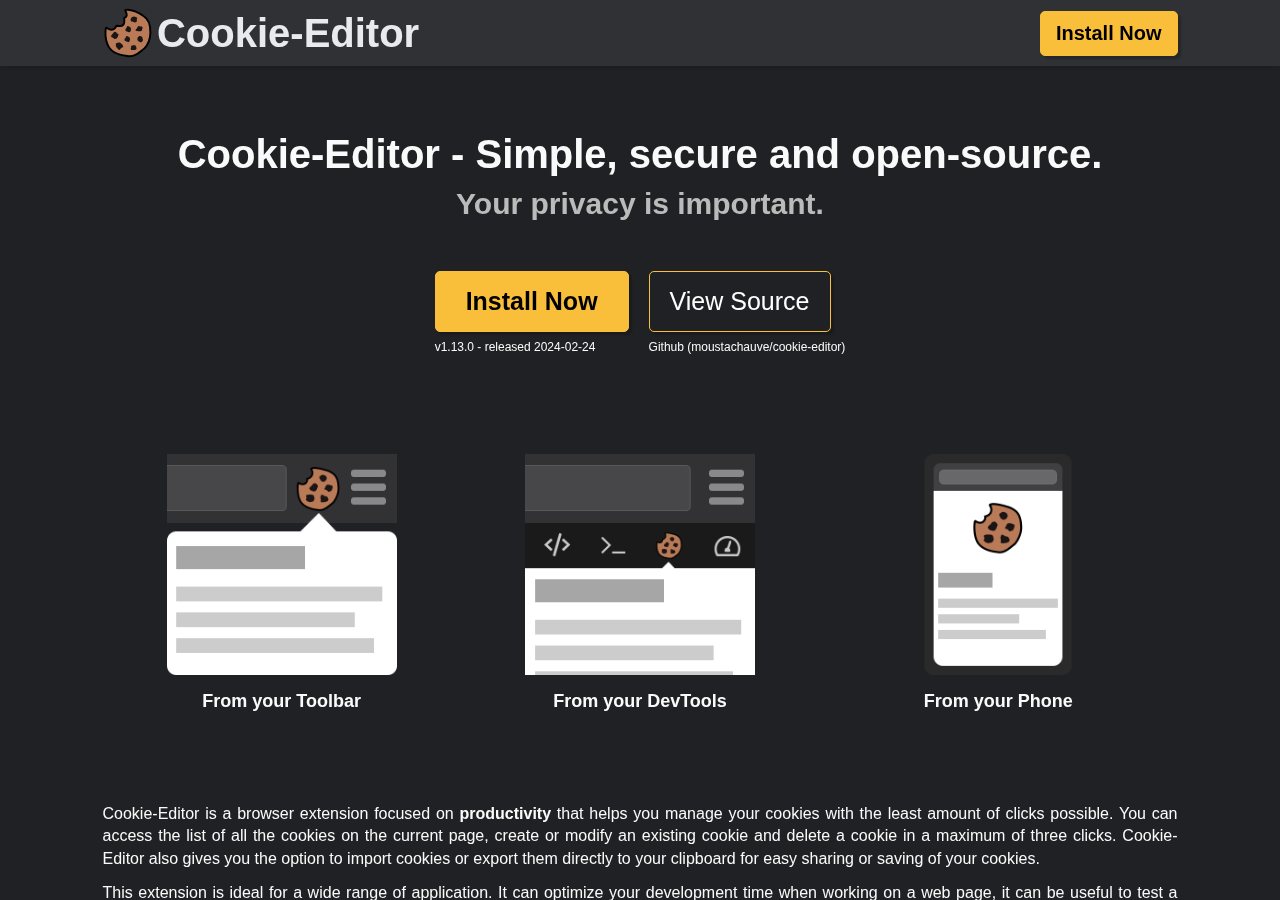
Install a cookie exporter
Any extension that exports Netscape-format cookies works. Cookie-Editor and "Get cookies.txt" are the common ones.
Log in to Vinted in your browser
Sign in on the Vinted domain you use: www.vinted.com, www.vinted.fr, www.vinted.es
and so on.
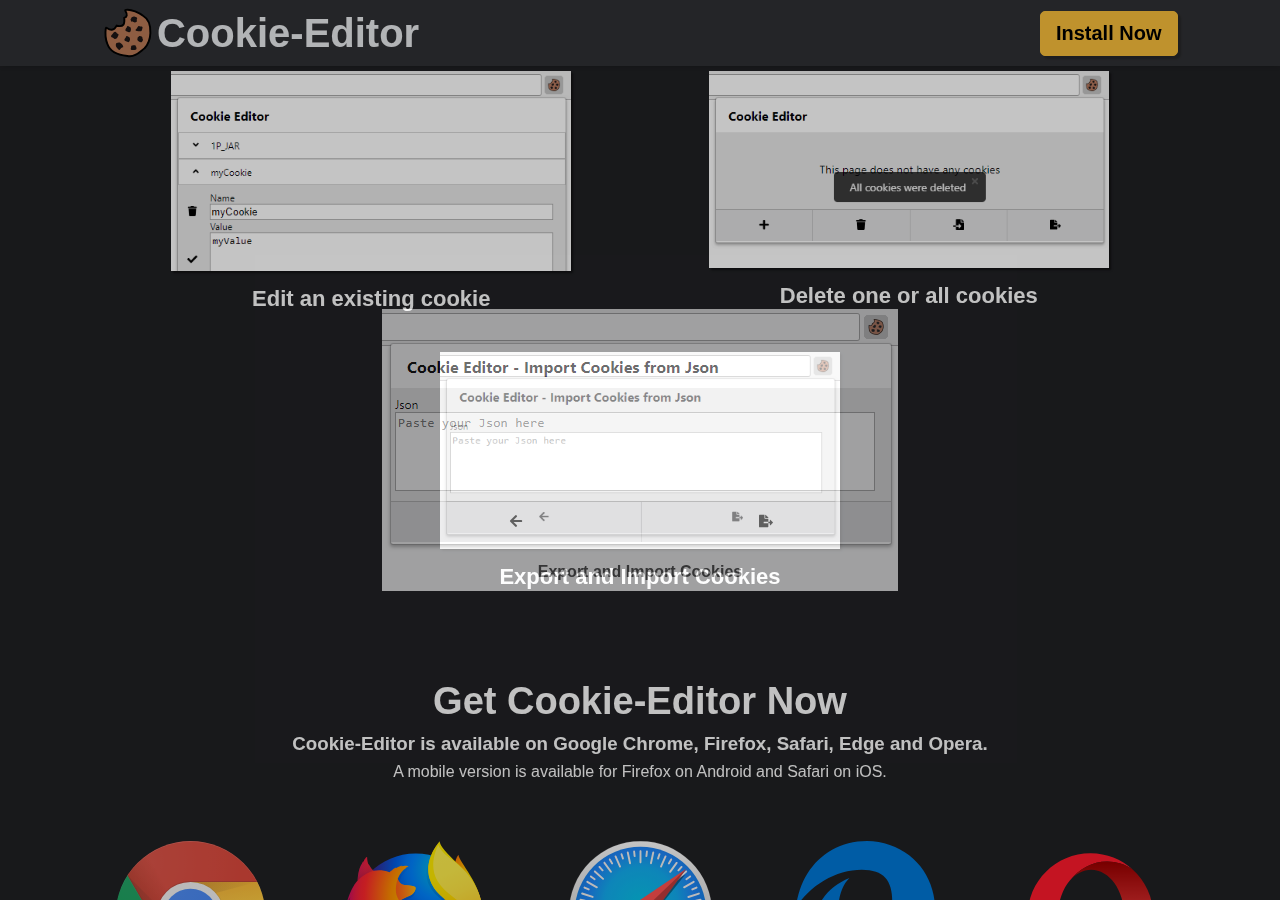
Export cookies for the site
Export for that domain and save the file. The CLI needs refresh_token_web (and normally
access_token_web with it); it keeps the rest of the site's cookies too, because the
bot-protection cookies matter as much as the tokens.
Formats
The CLI reads Netscape cookies.txt, Cookie-Editor, EditThisCookie, DevTools and
Playwright JSON (bare or wrapped as {"url": ..., "cookies": [...]}), or a raw
name=value; name=value cookie header. A whole-browser export works: only the Vinted
site's cookies are kept.
Import it
vinted auth login --cookies ~/Downloads/cookies.txtOr run the interactive prompt and paste the file path or cookie header when asked:
vinted auth login--cookies-stdin reads until end-of-file; use it when piping an export into the command.
--domain vinted.fr picks the site explicitly; by default it is the host the cookies came
from.
Login validates the session and tells you who you are, so a bad export fails at once rather than three commands later.
Log out of that browser session
Right after the import the engine renews the session, which spends the refresh token your browser still holds. Vinted revokes a login when a spent refresh token comes back, so log out in that browser (and log in again if you want the website) to give it its own session.
Staying logged in
The cookies live in the bundled Galleton session
engine, an encrypted vault next to credentials.toml; after the import the CLI itself never
holds them. The engine
renews the access token through Vinted's refresh endpoint five minutes before it expires,
keeps the cookies Vinted sends back, and is the only party that ever spends the single-use
refresh token. Every logged-in request goes through it.
vinted auth status          # local metadata; works offline
vinted auth status --check  # ask the engine and Vinted
vinted auth refresh         # renew now; nonzero exit on failure
The engine starts with the first command that needs the account and stops ten seconds after the last one exits. Watch checks attach to it on every run, so a scheduled watch keeps the session renewed. To keep it renewing between commands, and after a reboot once you log in:
vinted auth service enable    # systemd user unit, LaunchAgent or Windows logon task
vinted auth service status
vinted auth service disable
vinted auth service run runs it in the foreground for a container or another supervisor;
vinted auth service stop stops an idle one. The service carries the paths and VINTED_PROXY
of the shell that enabled it, never a credential.
After a successful vinted auth login in a terminal, the CLI offers to do this for you:
keep this login alive in the background? [Y/n]Enter or y runs vinted auth service enable; n leaves it off and prints how to turn it
on later. --service and --no-service answer without asking (--service also works with
--no-input). It is not asked with --no-input, in CI, when stdin or stderr is not a
terminal, or when the service is already installed.
Without the service, the refresh token only renews while a command runs. vinted auth status
and vinted doctor warn when the refresh token from the login expires within 48 hours and no
service is installed; the warning does not fail either command.
Vinted can still expire or revoke the refresh token. When that happens commands exit 3 and
you export the cookies again.
Upgrading from an older version
Versions before the session engine kept the cookies in credentials.toml. This one never
reads them: such a profile shows needs_login, and the next write of the file removes the
old cookies. Run vinted auth login once with a fresh export.
Profiles
Each account gets its own session, domain and watches.
vinted auth login --cookies alt.txt --profile alt
vinted profile list
vinted profile use alt      # change the default
vinted search "levis 501" --profile alt
Where things live
credentials.toml (mode 0600) holds only which engine session each profile uses, the
account id and the login. The cookies are in the encrypted vault under galleton/ (directory
0700, files 0600). Its API token and key administer the whole vault, and encryption does
not protect against other programs running as you, so treat the directory like a password:
never share, commit or publicly back it up. Login reads the export you hand it and passes it on; after that no account cookie reaches the
CLI process, and the values login handled are redacted from its output.
Log out
vinted auth logout --profile alt   # keeps config and watches
vinted profile remove alt          # removes everything for that account
Logging out deletes the engine's copy of the session first, then the local reference. It does not sign you out of the browser.